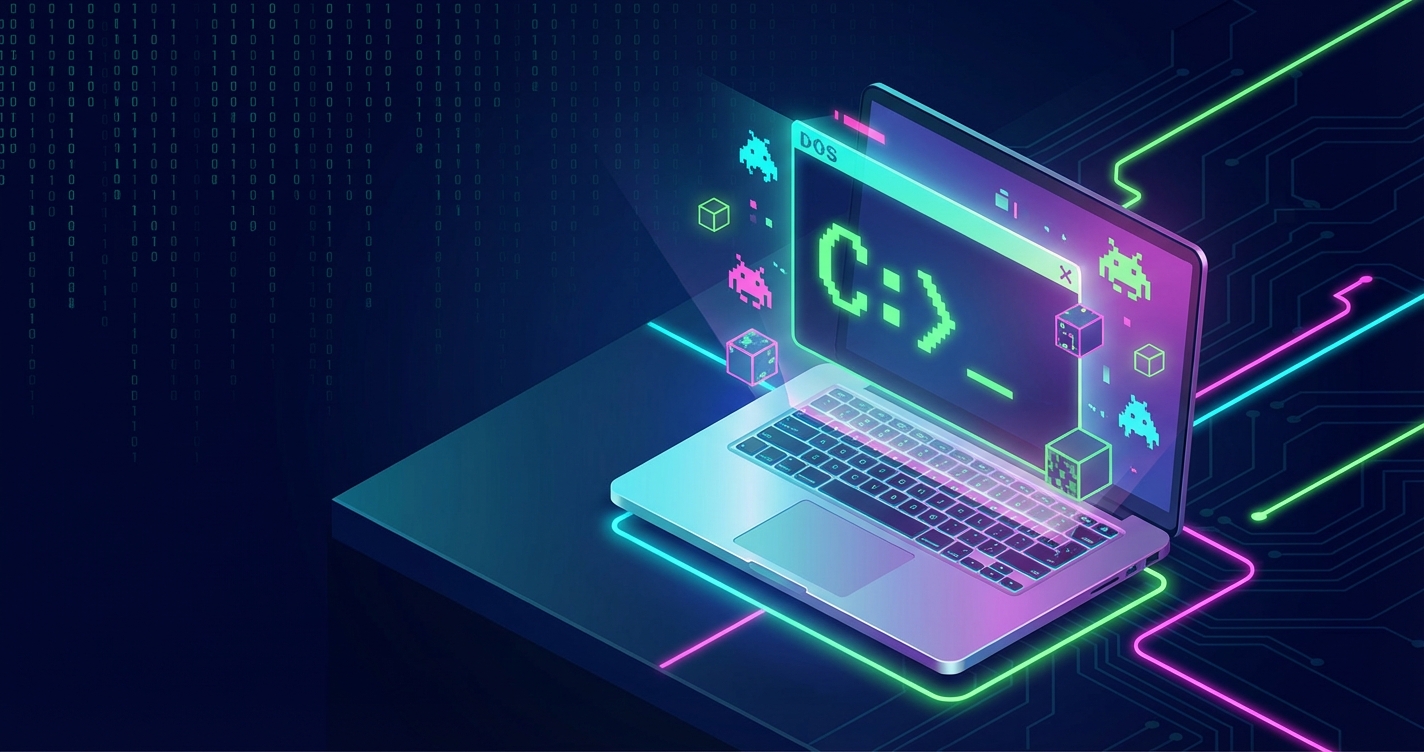
The DOS era produced a lot of software worth keeping around: demos, games, and the productivity apps people ran for years. As the original hardware fails, that software gets harder to run. DosKit is my attempt to keep it runnable in a browser, using WebAssembly to execute the DOS binaries directly.
The Preservation Imperative
Old hardware fails, and modern operating systems drop support for the software that ran on it. Running that software in a browser sidesteps both problems: nothing to install, it works on any platform with a browser, and web standards tend to stick around.
DosKit builds on js-dos, a WebAssembly port of DOSBox. It handles the fiddly parts of emulation setup for you but leaves the configuration exposed when you need to tune things.
WebAssembly: The Enabling Technology
WebAssembly makes browser-based DOS emulation practical by providing near-native execution speed:
async function initializeDosKit(containerElement, programUrl) {
  const bundle = await Dos(containerElement);
  const instance = await bundle.run(programUrl);

  return {
    instance,
    sendKey: (key) => instance.sendKeyEvent(key, true),
    setSpeed: (cycles) => instance.setConfig({ cycles })
  };
}
The compiled DOSBox core executes at speeds sufficient for even demanding DOS software, including action games and complex demos.
Cross-Platform Consistency
One of DosKit’s primary goals is consistent behavior across platforms:
const platformConfig = {
  mobile: {
    touchControls: true,
    virtualKeyboard: true,
    audioContext: 'user-gesture-required'
  },
  desktop: {
    touchControls: false,
    fullscreenSupport: true,
    keyboardCapture: true
  }
};

function detectPlatform() {
  const isMobile = /Android|iPhone|iPad|iPod/i.test(navigator.userAgent);
  return isMobile ? platformConfig.mobile : platformConfig.desktop;
}
Mobile devices receive touch controls and virtual keyboards, while desktop browsers get full keyboard capture and fullscreen support.
Audio Handling Challenges
Browser audio policies require careful handling. Modern browsers block autoplay, requiring user interaction before audio can begin:
class AudioManager {
  constructor() {
    this.context = null;
    this.initialized = false;
  }

  async initialize() {
    if (this.initialized) return;

    this.context = new AudioContext();
    if (this.context.state === 'suspended') {
      await this.context.resume();
    }
    this.initialized = true;
  }
}

// Initialize on first user interaction
document.addEventListener('click', () => {
  audioManager.initialize();
}, { once: true });
That keeps audio working without fighting the browser’s autoplay rules.
File System Abstraction
DOS programs expect a filesystem. DosKit provides virtual filesystem support:
async function mountFilesystem(instance, files) {
  for (const [path, content] of Object.entries(files)) {
    await instance.fs.writeFile(path, content);
  }
}

// Example: Mount a configuration file
await mountFilesystem(dosInstance, {
  '/CONFIG.SYS': 'FILES=40\nBUFFERS=25',
  '/AUTOEXEC.BAT': '@ECHO OFF\nPATH C:\\;C:\\DOS'
});
Programs can come from a URL, IndexedDB, or a user upload, and the DOS side sees a normal filesystem either way.
Performance Tuning
DOS software varies dramatically in resource requirements. DosKit provides configuration options:
const performanceProfiles = {
  '8086': { cycles: 300, type: 'real' },
  '286': { cycles: 3000, type: 'real' },
  '386': { cycles: 8000, type: 'real' },
  '486': { cycles: 25000, type: 'real' },
  'max': { cycles: 'max', type: 'auto' }
};

function applyPerformanceProfile(instance, profile) {
  const config = performanceProfiles[profile];
  instance.setConfig({
    cycles: config.cycles,
    cycleType: config.type
  });
}
Cycle-accurate emulation ensures software runs at authentic speeds, important for games with timing-dependent mechanics.
Touch Controls for Mobile
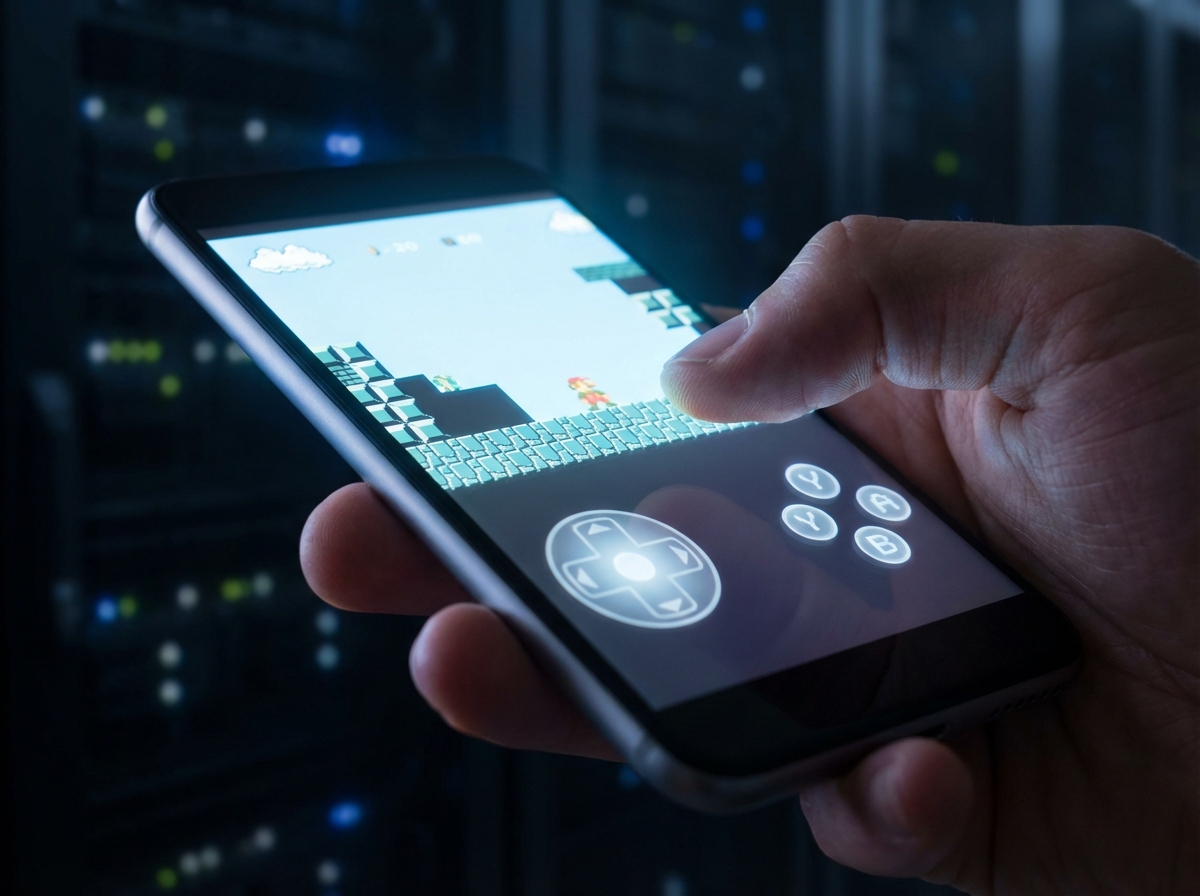
Mobile support requires virtual input devices:
class VirtualJoystick {
  constructor(container) {
    this.element = document.createElement('div');
    this.element.className = 'virtual-joystick';
    container.appendChild(this.element);

    this.bindTouchEvents();
  }

  bindTouchEvents() {
    this.element.addEventListener('touchmove', (e) => {
      const touch = e.touches[0];
      const rect = this.element.getBoundingClientRect();
      const x = (touch.clientX - rect.left) / rect.width;
      const y = (touch.clientY - rect.top) / rect.height;

      this.emitDirection(x, y);
    });
  }

  emitDirection(x, y) {
    // Convert position to arrow key presses
    if (x < 0.3) this.sendKey('ArrowLeft');
    if (x > 0.7) this.sendKey('ArrowRight');
    if (y < 0.3) this.sendKey('ArrowUp');
    if (y > 0.7) this.sendKey('ArrowDown');
  }
}
These controls make DOS software accessible on devices that never existed during the DOS era.
State Preservation
Save states enable users to pause and resume sessions:
async function saveState(instance) {
  const state = await instance.saveState();
  const blob = new Blob([state], { type: 'application/octet-stream' });

  // Store in IndexedDB for persistence
  await stateStorage.save('last-session', blob);
}

async function loadState(instance) {
  const blob = await stateStorage.load('last-session');
  if (blob) {
    const state = await blob.arrayBuffer();
    await instance.loadState(state);
  }
}
Close the tab, come back later, and pick up where you left off.
Conclusion
Old software doesn’t have to end up in a museum or rot on dead hardware. WebAssembly is fast enough for faithful emulation, and the rest of the browser platform covers input, audio, and storage. What you get is DOS software you can open and run without hunting down a period-correct PC.
Experience DOS classics at doskit.net or explore the source at github.com/cameronrye/doskit.
Keep Reading
Companion projectDosKit
Runs classic DOS software and demos directly in modern browsers using WebAssembly. No setup, no configuration.
View this project →The Web Audio API: A Cautionary Tale of Ambitious Design and Practical Limitations
Why the Web Audio API's ambitious design collided with what developers actually needed, and what its history teaches about web standards.
Second Reality: 32 Years of Demoscene Excellence
Future Crew's Second Reality turns 32. I downloaded it on a BBS as a kid; now it runs instantly in your browser via DosKit.
Retro Floppy: Building an Interactive 3.5" Floppy Disk React Component
I recreated the 3.5-inch floppy disk as a React component (metal slider, write-protect tab and all): 1.44 MB of nostalgia for modern UIs.
Subscribe
Was this helpful?
Discuss
Ask can help explain concepts, provide context, or point you to related content.