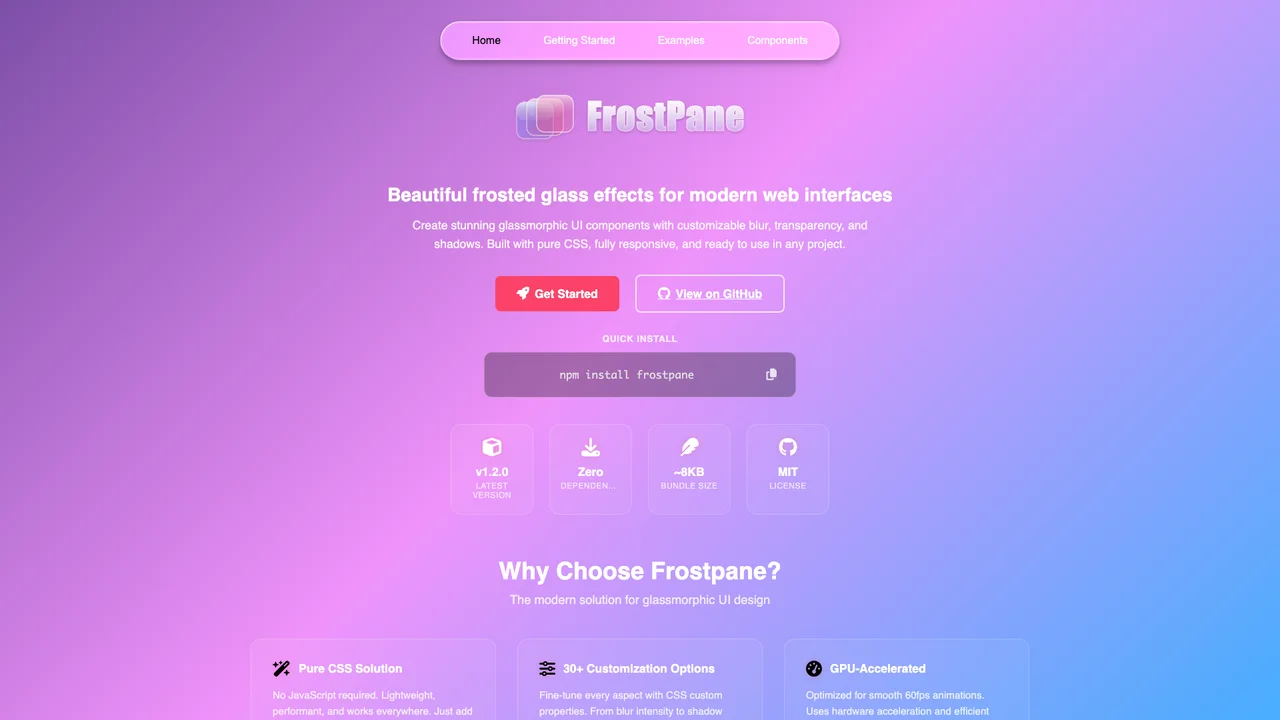
A convincing frosted glass effect is never one backdrop-filter line. It needs light and dark variants with different opacity and border treatments, a reduced-motion fallback, and a plan for browsers that cannot blur at all. Frostpane packages those decisions into a drop-in stylesheet that weighs under 5KB.
Frostpane
Liquid Glass
Adjust the controls to see real-time changes to the frosted glass effect.
Equivalent CSS
backdrop-filter: blur(10px) saturate(180%);
background: rgba(166, 153, 191, 0.25);
border-radius: 16px;
At the defaults the white copy measures about 4.7:1 over the center of the gradient, then slips under 4.5:1 once opacity passes 30% or the panel crosses the pink end. One tint can’t hold AA everywhere, which is why Frostpane ships separate light and dark recipes.
Key Features
- Frosted Glass Effects: Backdrop blur and translucent glass surfaces
- CSS Custom Properties: 30+ variables for complete customization
- SCSS Variables: Full Sass/SCSS support with configurable variables
- Smooth Animations: Built-in transitions and animation effects
- Zero Dependencies: Lightweight, no JavaScript required
- Cross-Browser Support: Graceful fallbacks for older browsers
What was hard
The difficult part of shipping glass effects as a library is everything around the blur. backdrop-filter is expensive to render on lower-powered devices, so Frostpane includes a performance-conscious variant that swaps the blur for a more opaque solid background when prefers-reduced-motion is set. Browsers without backdrop-filter support get a usable solid panel through @supports feature queries rather than broken transparency. And a single recipe cannot serve both color schemes: light surfaces need a brighter, more opaque fill while dark surfaces need a near-black fill with a much fainter border, so the library ships separate light and dark mixins instead of one compromise value.
Customization
Frostpane uses CSS custom properties for easy customization. Override these variables to match your design:
.custom-glass {
  --fp-backdrop-blur: 12px;
  --fp-bg-color: rgba(255, 255, 255, 0.2);
  --fp-border-radius: 16px;
  --fp-filter-saturate: 180%;
  --fp-border-color: rgba(255, 255, 255, 0.3);
}
Quick Start
npm install frostpane<link rel="stylesheet" href="path/to/frostpane.css">
<div class="glass-container">
<div class="glass-content">Your content here</div>
</div>Was this helpful?
Want to learn more?
Ask can answer questions about this project's implementation, technologies, and more.