
The Circle of Fifths packs a surprising amount of music theory into a simple circular diagram, encoding the harmonic relationships between all twelve keys. I wanted a version you could actually hear, so I built an interactive one that plays audio when you click. That turns a centuries-old teaching tool into something you learn by ear as much as by eye.
The Circle of Fifths: Encoding Harmonic Space
For those unfamiliar with music theory, the Circle of Fifths arranges all twelve musical keys in a circular pattern where each adjacent key differs by a perfect fifth interval. Moving clockwise adds sharps; moving counter-clockwise adds flats. This arrangement reveals fundamental relationships that govern Western harmony.
The circle shows several things at once:
- Key Signatures: The number of sharps or flats in each key
- Relative Majors and Minors: Major and minor keys that share the same key signature
- Chord Progressions: Common harmonic movements map to geometric patterns on the circle
- Modulation Paths: Adjacent keys provide the smoothest key changes
Web Audio API: Bringing Theory to Life
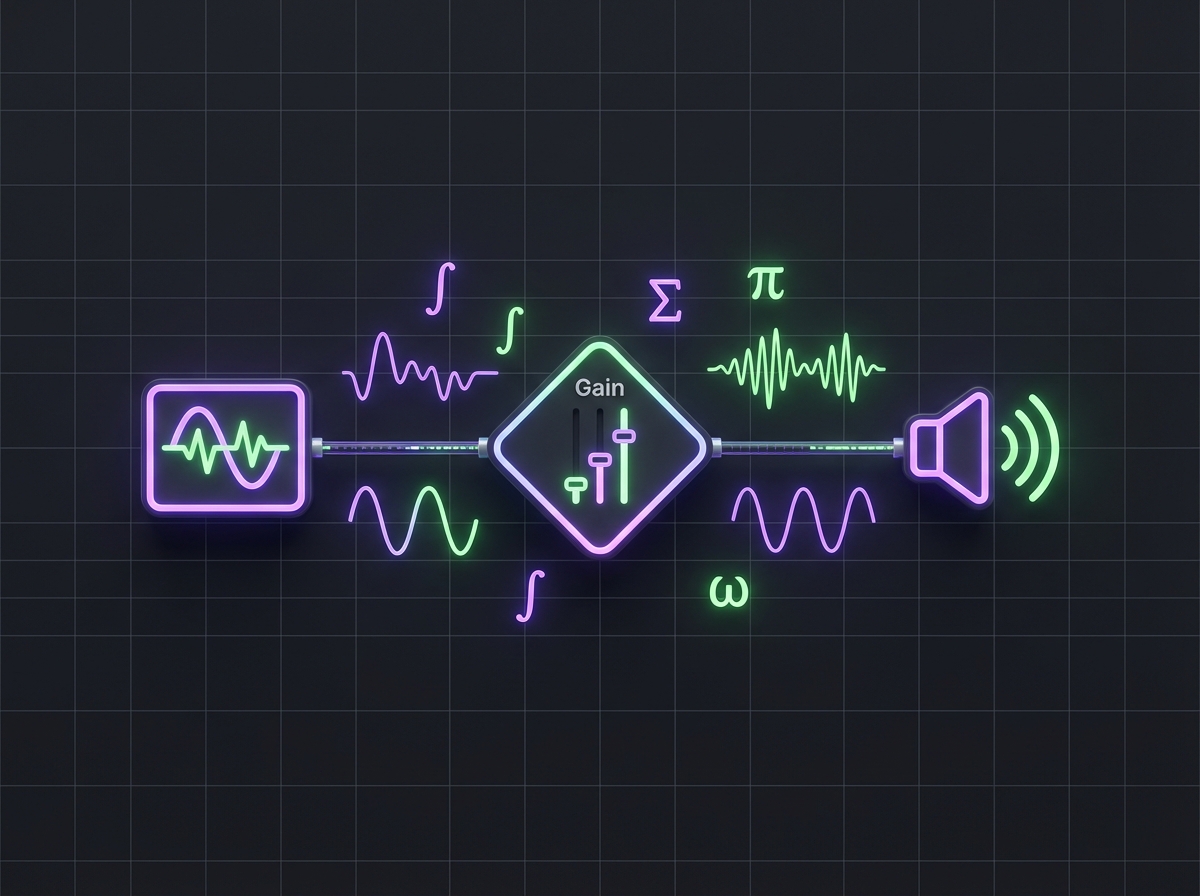
The Web Audio API generates musical tones directly in the browser. Unlike pre-recorded samples, synthesized audio can respond dynamically to what the user does:
const audioContext = new AudioContext();

function playNote(frequency, duration = 0.5) {
  const oscillator = audioContext.createOscillator();
  const gainNode = audioContext.createGain();

  oscillator.connect(gainNode);
  gainNode.connect(audioContext.destination);

  oscillator.frequency.value = frequency;
  oscillator.type = 'sine';

  gainNode.gain.setValueAtTime(0.3, audioContext.currentTime);
  gainNode.gain.exponentialRampToValueAtTime(
    0.01, audioContext.currentTime + duration
  );

  oscillator.start(audioContext.currentTime);
  oscillator.stop(audioContext.currentTime + duration);
}
Now clicking a key gives immediate audio feedback, so you hear the tonic, dominant, and subdominant relationships that define tonal harmony.
Frequency Calculations and Equal Temperament
Converting musical notes to frequencies requires understanding equal temperament tuning, where each semitone represents a frequency ratio of the twelfth root of two:
const A4_FREQUENCY = 440; // Hz
const SEMITONE_RATIO = Math.pow(2, 1/12);

function noteToFrequency(note, octave) {
  const noteIndex = ['C', 'C#', 'D', 'D#', 'E', 'F',
                     'F#', 'G', 'G#', 'A', 'A#', 'B'].indexOf(note);
  const semitonesFromA4 = (octave - 4) * 12 + (noteIndex - 9);
  return A4_FREQUENCY * Math.pow(SEMITONE_RATIO, semitonesFromA4);
}
That math keeps the pitches accurate across the whole circle, from C major through all twelve keys.
Interactive Visualization Design
The circular layout requires careful geometric calculations to position elements correctly:
function getKeyPosition(index, radius) {
  const angle = (index * 30 - 90) * (Math.PI / 180);
  return {
    x: radius * Math.cos(angle),
    y: radius * Math.sin(angle)
  };
}
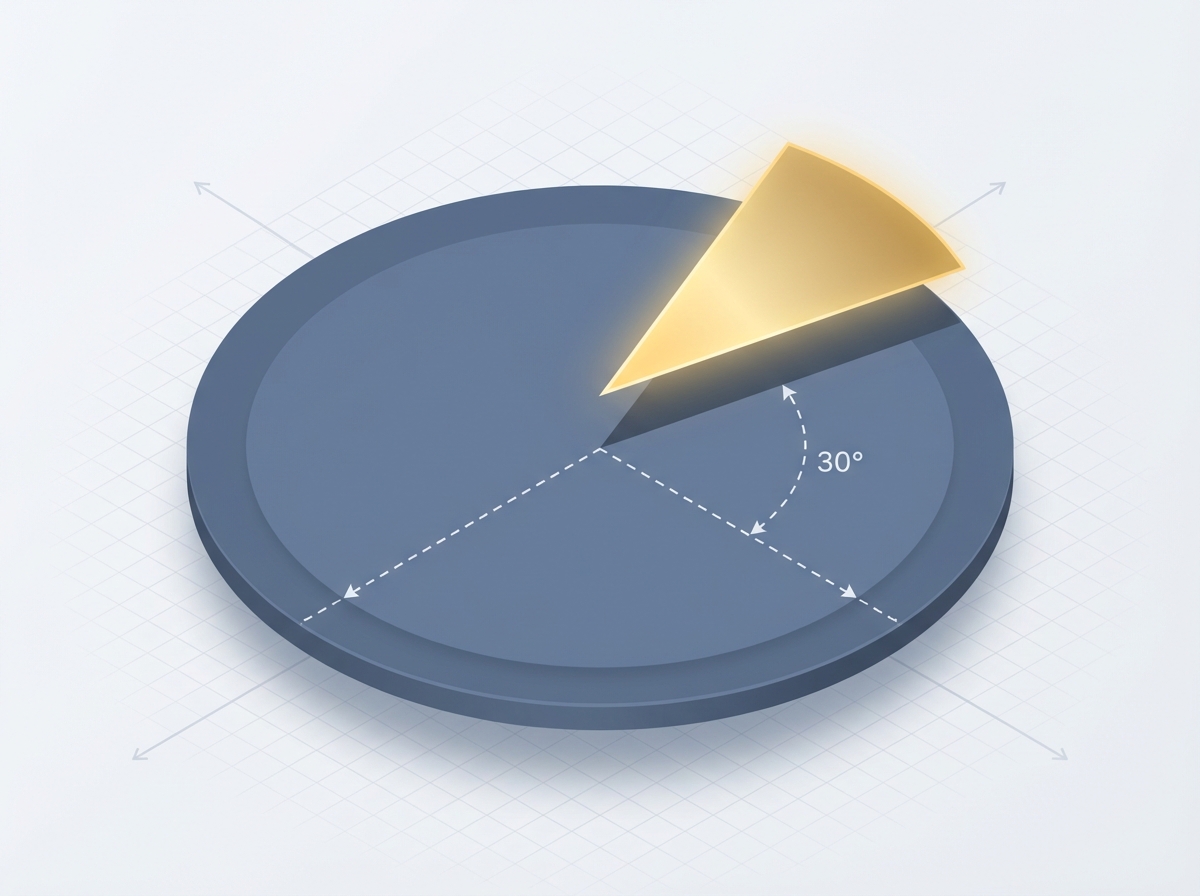
Each key occupies 30 degrees of the circle (360/12), with the -90 degree offset placing C major at the top. The inner ring displays relative minors, maintaining the same angular relationship while using a smaller radius.
Educational Features
The app also does some teaching:
- Scale Display: Clicking a key shows all notes in that major or minor scale
- Chord Highlighting: Visualize which chords naturally occur in each key
- Progression Patterns: Highlight common chord progressions like I-IV-V-I
- Audio Playback: Hear scales and chords to connect visual patterns with sound
Responsive Design Considerations
Musical apps have their own responsive-design problems. Touch targets have to work for both precise mouse clicks and finger taps, and the circular layout has to stay legible across screen sizes:
.circle-key {
  min-width: 44px;
  min-height: 44px;
  cursor: pointer;
  transition: transform 0.2s ease;
}

.circle-key:hover,
.circle-key:focus {
  transform: scale(1.1);
}

@media (max-width: 600px) {
  .circle-container {
    transform: scale(0.8);
    transform-origin: center top;
  }
}
Performance Optimization
Audio applications require careful performance management to prevent clicks and latency:
// Pre-warm the audio context on first user interaction
document.addEventListener('click', () => {
  if (audioContext.state === 'suspended') {
    audioContext.resume();
  }
}, { once: true });
Modern browsers suspend the audio context to block autoplay, so this pattern wakes it up on the first click and keeps audio responsive after that.
Extending the Foundation
The same patterns carry over to other music education tools:
- Interval Training: Recognizing the sound of fifths, fourths, and other intervals
- Chord Quality Recognition: Distinguishing major, minor, diminished, and augmented chords
- Sight-Reading Assistance: Connecting key signatures to scale patterns
Seeing the theory and hearing it at the same time sticks better than either one on its own.
Try the interactive Circle of Fifths at cameronrye.github.io/circle-of-fifths or explore the source code on GitHub.
Keep Reading
Companion projectCircle of Fifths
Learning music theory through an interactive Circle of Fifths visualization. This educational tool combines visual design with audio feedback to help users understand key relationships, scales, and chord progressions.
View this project →The Web Audio API: A Cautionary Tale of Ambitious Design and Practical Limitations
Why the Web Audio API's ambitious design collided with what developers actually needed, and what its history teaches about web standards.
Building an Electromagnetic Spectrum Explorer
Femtometers to kilometers on one screen: how I built an interactive spectrum explorer with React, D3, and NIST-exact constants behind every value.
Uzumaki: One Spiral Engine, Two Native Platforms
Ten spiral algorithms, six deployment targets: how I kept React and SwiftUI renders of Uzumaki mathematically identical across web and Apple platforms.
Subscribe
Was this helpful?
Discuss
Ask can help explain concepts, provide context, or point you to related content.