
The Circle of Fifths represents one of the most elegant visualizations in music theory, encoding complex harmonic relationships in a deceptively simple circular arrangement. Building an interactive version that responds with real audio feedback transforms this centuries-old teaching tool into an immersive learning experience that engages multiple senses simultaneously.
The Circle of Fifths: Encoding Harmonic Space
For those unfamiliar with music theory, the Circle of Fifths arranges all twelve musical keys in a circular pattern where each adjacent key differs by a perfect fifth interval. Moving clockwise adds sharps; moving counter-clockwise adds flats. This arrangement reveals fundamental relationships that govern Western harmony.
The power of the circle lies in its ability to visualize several concepts simultaneously:
- Key Signatures: The number of sharps or flats in each key
- Relative Majors and Minors: Major and minor keys that share the same key signature
- Chord Progressions: Common harmonic movements map to geometric patterns on the circle
- Modulation Paths: Adjacent keys provide the smoothest key changes
Web Audio API: Bringing Theory to Life
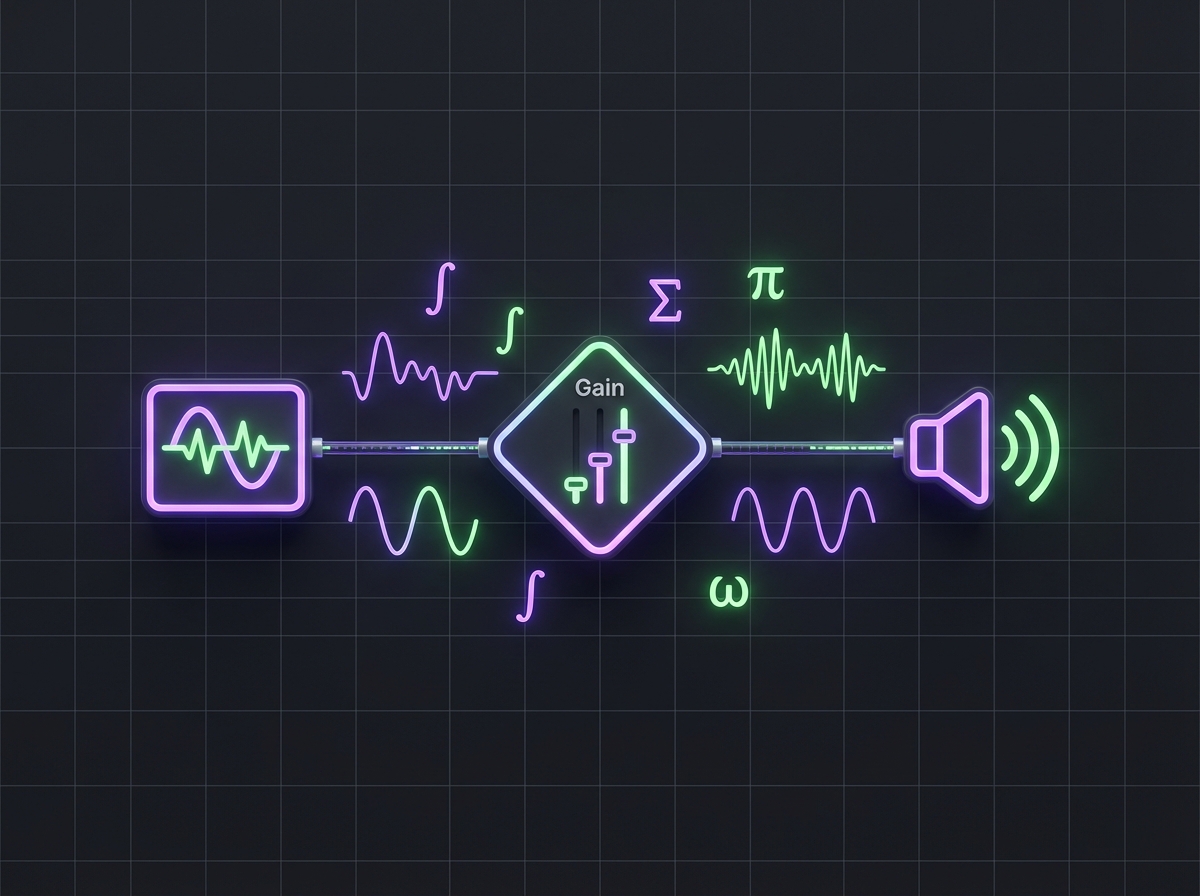
The Web Audio API provides the foundation for generating musical tones directly in the browser. Unlike pre-recorded samples, synthesized audio enables dynamic response to user interaction:
const audioContext = new AudioContext();

function playNote(frequency, duration = 0.5) {
  const oscillator = audioContext.createOscillator();
  const gainNode = audioContext.createGain();

  oscillator.connect(gainNode);
  gainNode.connect(audioContext.destination);

  oscillator.frequency.value = frequency;
  oscillator.type = 'sine';

  gainNode.gain.setValueAtTime(0.3, audioContext.currentTime);
  gainNode.gain.exponentialRampToValueAtTime(
    0.01, audioContext.currentTime + duration
  );

  oscillator.start(audioContext.currentTime);
  oscillator.stop(audioContext.currentTime + duration);
}
This approach enables immediate audio feedback when users click on keys, hearing the tonic, dominant, and subdominant relationships that define tonal harmony.
Frequency Calculations and Equal Temperament
Converting musical notes to frequencies requires understanding equal temperament tuning, where each semitone represents a frequency ratio of the twelfth root of two:
const A4_FREQUENCY = 440; // Hz
const SEMITONE_RATIO = Math.pow(2, 1/12);

function noteToFrequency(note, octave) {
  const noteIndex = ['C', 'C#', 'D', 'D#', 'E', 'F',
                     'F#', 'G', 'G#', 'A', 'A#', 'B'].indexOf(note);
  const semitonesFromA4 = (octave - 4) * 12 + (noteIndex - 9);
  return A4_FREQUENCY * Math.pow(SEMITONE_RATIO, semitonesFromA4);
}
This mathematical foundation ensures accurate pitch representation across the entire circle, from C major through all twelve keys.
Interactive Visualization Design
The circular layout requires careful geometric calculations to position elements correctly:
function getKeyPosition(index, radius) {
  const angle = (index * 30 - 90) * (Math.PI / 180);
  return {
    x: radius * Math.cos(angle),
    y: radius * Math.sin(angle)
  };
}
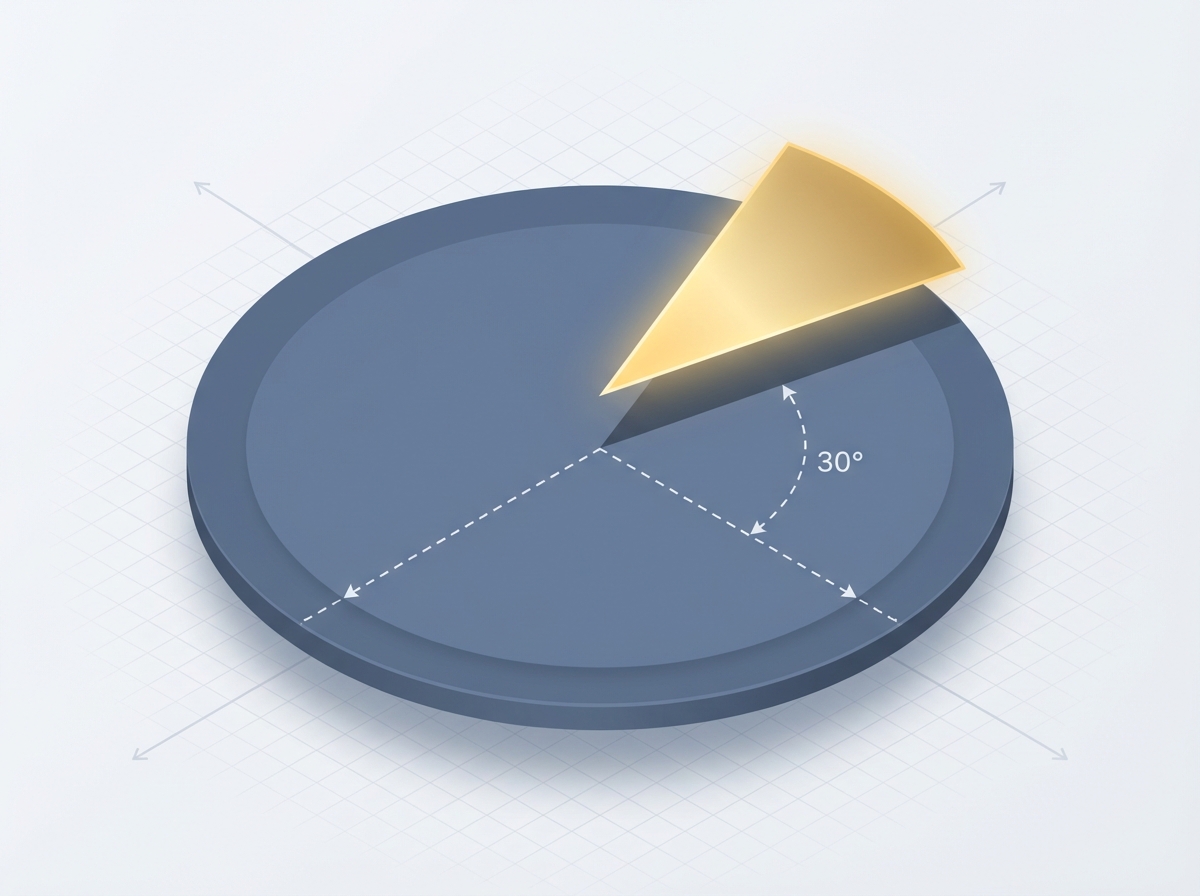
Each key occupies 30 degrees of the circle (360/12), with the -90 degree offset placing C major at the top. The inner ring displays relative minors, maintaining the same angular relationship while using a smaller radius.
Educational Features
The application goes beyond simple visualization to provide educational content:
- Scale Display: Clicking a key shows all notes in that major or minor scale
- Chord Highlighting: Visualize which chords naturally occur in each key
- Progression Patterns: Highlight common chord progressions like I-IV-V-I
- Audio Playback: Hear scales and chords to connect visual patterns with sound
Responsive Design Considerations
Musical applications face unique responsive design challenges. Touch targets must accommodate both precise mouse clicks and finger taps, while the circular layout must remain legible across screen sizes:
.circle-key {
  min-width: 44px;
  min-height: 44px;
  cursor: pointer;
  transition: transform 0.2s ease;
}

.circle-key:hover,
.circle-key:focus {
  transform: scale(1.1);
}

@media (max-width: 600px) {
  .circle-container {
    transform: scale(0.8);
    transform-origin: center top;
  }
}
Performance Optimization
Audio applications require careful performance management to prevent clicks and latency:
// Pre-warm the audio context on first user interaction
document.addEventListener('click', () => {
  if (audioContext.state === 'suspended') {
    audioContext.resume();
  }
}, { once: true });
The suspended state requirement in modern browsers prevents autoplay, but this initialization pattern ensures responsive audio once the user engages with the application.
Extending the Foundation
The Circle of Fifths visualization establishes patterns applicable to broader music education tools:
- Interval Training: Recognizing the sound of fifths, fourths, and other intervals
- Chord Quality Recognition: Distinguishing major, minor, diminished, and augmented chords
- Sight-Reading Assistance: Connecting key signatures to scale patterns
The combination of visual representation and audio feedback creates multi-modal learning experiences that reinforce music theory concepts more effectively than either approach alone.
Try the interactive Circle of Fifths at cameronrye.github.io/circle-of-fifths or explore the source code on GitHub.
Was this helpful?
Have questions about this article?
Ask can help explain concepts, provide context, or point you to related content.