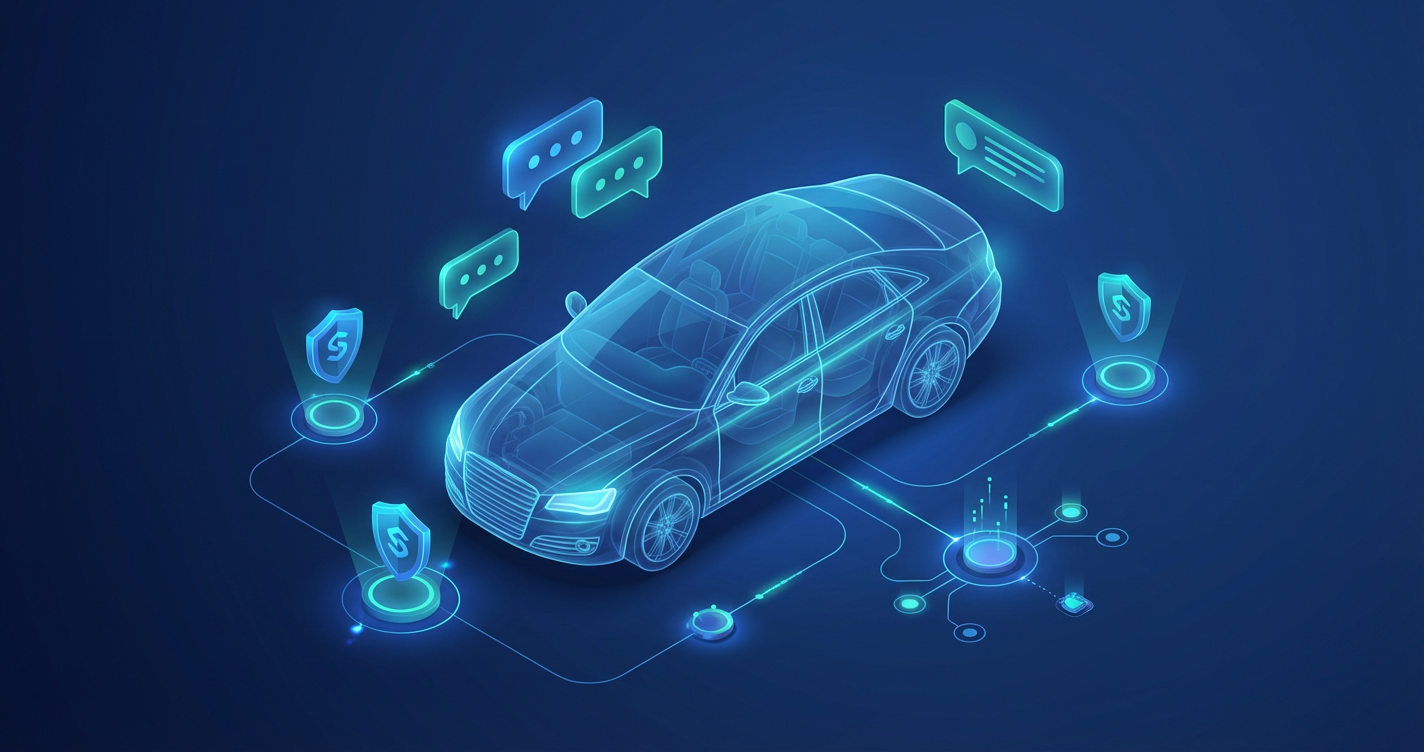
Vehicle safety data exists in public databases, but getting at it means knowing where to look and how to read complex government datasets. ClarissaBot closes that gap. It’s an AI agent that answers natural language questions about recalls, safety ratings, and consumer complaints by querying NHTSA data in real-time.
This project became an exploration of Azure AI Foundry’s capabilities: function calling, streaming responses, managed identity authentication, and the emerging practice of Reinforcement Fine-Tuning. Here’s what I learned building it.
The Problem Space
Every year, NHTSA (National Highway Traffic Safety Administration) issues hundreds of vehicle recalls. Consumers can search their database, but the interface assumes you know exactly what you’re looking for. Ask “should I be worried about my 2020 Tesla Model 3?” and you get a list of recall campaigns, not an answer.
I wanted to build something that could:
- Answer questions in natural language
- Pull real-time data from authoritative sources
- Maintain context across a conversation (“what about complaints?” after asking about recalls)
- Decode VINs to identify vehicles automatically
What Azure AI Foundry Provides
Azure AI Foundry (formerly Azure Cognitive Services / Azure OpenAI) provides the infrastructure that makes ClarissaBot possible. Beyond just hosting models, it offers:
- Function Calling: The model can decide to call external tools based on user intent
- Streaming Responses: Server-Sent Events for real-time token delivery
- Managed Identity: No API keys in configuration, just Azure RBAC
- Reinforcement Fine-Tuning: Train specialized models using custom graders
The SDK integration with .NET is surprisingly clean. Using Azure.AI.OpenAI and DefaultAzureCredential:
var credential = new DefaultAzureCredential();
var client = new AzureOpenAIClient(new Uri(endpoint), credential);
var chatClient = client.GetChatClient(deploymentName);
No API keys to rotate. No secrets to manage. Just identity-based access.
Function Calling: Teaching the Model to Act
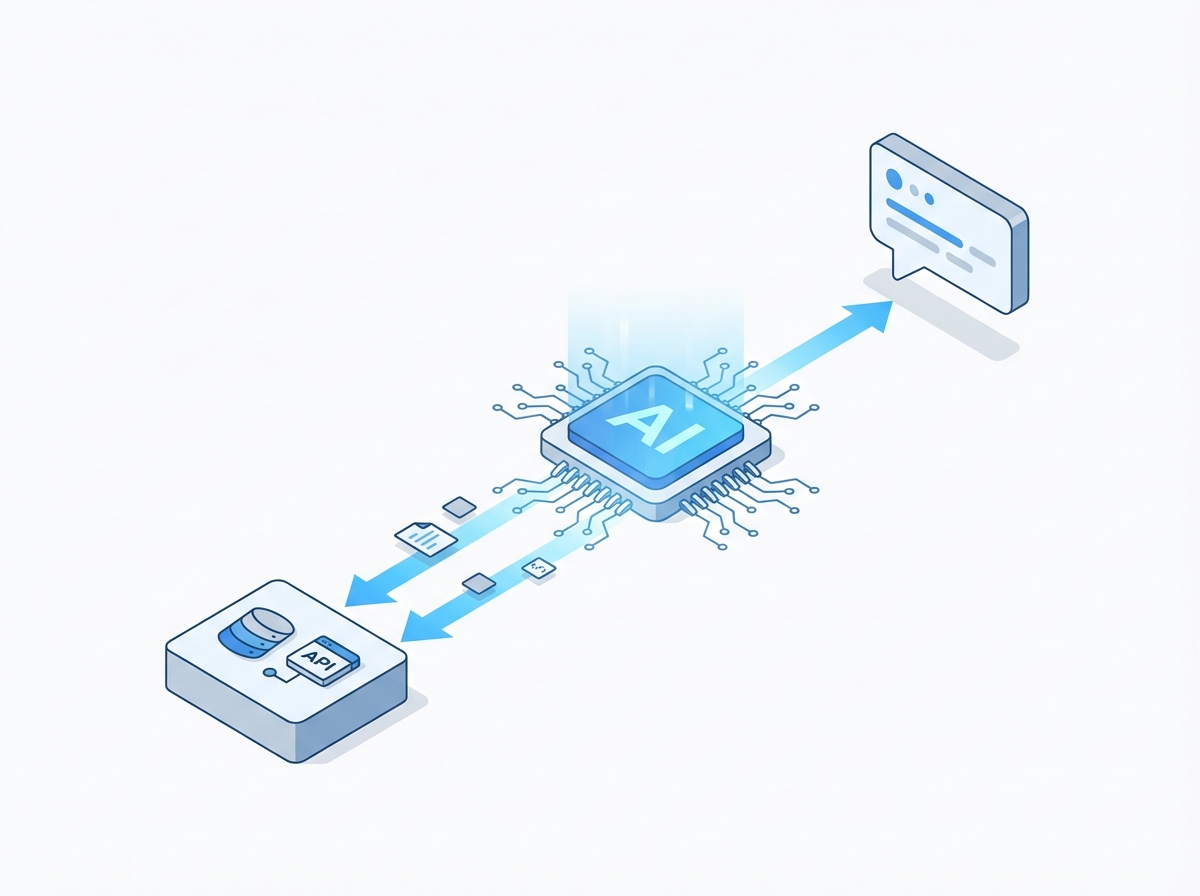
The core of ClarissaBot is function calling. Instead of training the model on vehicle data (which would become stale), I give it tools to query live APIs:
ChatTool.CreateFunctionTool(
    "check_recalls",
    "Check for vehicle recalls from NHTSA.",
    BinaryData.FromObjectAsJson(new {
        type = "object",
        properties = new {
            make = new { type = "string", description = "Vehicle manufacturer" },
            model = new { type = "string", description = "Vehicle model name" },
            year = new { type = "integer", description = "Model year" }
        },
        required = new[] { "make", "model", "year" }
    }))
The model receives tool definitions, decides when to call them, and synthesizes the results into conversational responses. It’s the ReAct pattern in action: Reason about the task, Act by calling tools, Observe results, Repeat.
The Challenge of Vehicle Context
The hardest problem wasn’t calling APIs. It was maintaining conversational context. When a user asks “any recalls?” after discussing their Tesla Model 3, the agent needs to remember what vehicle they’re talking about.
The solution tracks vehicle context across turns:
public sealed class VehicleContextHistory
{
    private readonly List<(VehicleContext Vehicle, DateTime AccessedUtc)> _vehicles = [];

    public VehicleContext? Current => _vehicles.Count > 0 ? _vehicles[^1].Vehicle : null;

    public bool AddOrUpdate(VehicleContext vehicle)
    {
        var existingIndex = _vehicles.FindIndex(v => v.Vehicle.Key == vehicle.Key);
        if (existingIndex >= 0)
        {
            _vehicles.RemoveAt(existingIndex);
            _vehicles.Add((vehicle, DateTime.UtcNow));
            return false;
        }
        _vehicles.Add((vehicle, DateTime.UtcNow));
        return true;
    }
}
Context gets injected into the system prompt on each turn, reminding the model which vehicles are being discussed.
Streaming: Making AI Feel Responsive
Nothing kills user experience like staring at a blank screen. ClarissaBot streams responses token-by-token using Server-Sent Events:
public async IAsyncEnumerable<StreamingEvent> ChatStreamRichAsync(
    string userMessage,
    string? conversationId = null,
    CancellationToken cancellationToken = default)
{
    // ... setup code ...

    await foreach (var update in streamingUpdates.WithCancellation(cancellationToken))
    {
        foreach (var contentPart in update.ContentUpdate)
        {
            if (!string.IsNullOrEmpty(contentPart.Text))
            {
                yield return new ContentChunkEvent(contentPart.Text);
            }
        }
    }
}
The frontend receives typed events: ContentChunkEvent for text, ToolCallEvent when querying NHTSA, VehicleContextEvent when the vehicle changes. Users see the agent “thinking” in real-time.
Reinforcement Fine-Tuning: Training with Live Data
The most ambitious part of the project is preparing for Reinforcement Fine-Tuning (RFT). Instead of supervised fine-tuning with static examples, RFT uses a grader that evaluates model responses against live API data:

def grade_response(response: str, expected: dict) -> float:
    """Grades model response against live NHTSA data."""
    api_result = query_nhtsa(expected['year'], expected['make'], expected['model'])

    if expected['query_type'] == 'recalls':
        return score_recall_response(response, api_result)
    elif expected['query_type'] == 'safety_rating':
        return score_rating_response(response, api_result)
    # ...
The training dataset includes 502 examples covering recalls, complaints, safety ratings, multi-turn conversations, and edge cases. The grader validates that responses accurately reflect real NHTSA data: if Tesla issued a recall, the model better mention it.
Infrastructure as Code with Bicep
The entire infrastructure deploys through Azure Bicep templates:
module apiApp 'modules/container-app.bicep' = {
  params: {
    name: '${baseName}-api-${environment}'
    containerAppsEnvironmentId: containerAppsEnv.outputs.id
    containerImage: apiImage
    useManagedIdentity: true
    envVars: [
      { name: 'AZURE_OPENAI_ENDPOINT', value: azureOpenAIEndpoint }
      { name: 'APPLICATIONINSIGHTS_CONNECTION_STRING', value: monitoring.outputs.appInsightsConnectionString }
    ]
  }
}
Container Apps provide serverless scaling: scale to zero when idle, burst to handle traffic. Combined with managed identity, the API authenticates to Azure OpenAI without any secrets.
Lessons Learned
Function calling changes how you supply knowledge. Instead of cramming knowledge into model weights, give it tools. The model reasons about when to use tools; you implement what tools do.
Context management is underrated. Users expect conversational continuity. Tracking vehicle context across turns transformed the experience from “query interface” to “conversation.”
Streaming is non-negotiable. Even with fast responses, the perceived latency of waiting for a complete response feels slow. Token-by-token streaming makes AI feel alive.
Managed identity simplifies everything. No API key rotation, no secrets in configuration, no accidental exposure. Just RBAC permissions on Azure resources.
RFT trains against a moving target. Training against live data means models stay current as the world changes. The grader becomes the source of truth.
What’s Next
ClarissaBot currently uses GPT-4.1 through Azure OpenAI. The RFT training pipeline is ready for when Azure AI Foundry’s reinforcement training becomes generally available. The goal: a specialized model that understands vehicle safety better than a general-purpose LLM.
The project also serves as a template for building other domain-specific agents. The patterns (function calling, context management, streaming, managed identity) apply to any scenario where AI needs to interact with real-world data.
ClarissaBot is open source at github.com/cameronrye/clarissabot. Try the live demo at bot.clarissa.run to check recalls on your vehicle.
Keep Reading
Companion projectClarissaBot
AI-powered vehicle safety assistant that queries NHTSA data in real-time. Check recalls, safety ratings, and consumer complaints through natural conversation.
View this project →Making My Portfolio Agent-Readable: From Files to an Interface Agents Can Act On
I stopped publishing files for agents to discover and built an interface they can act on: markdown mirrors, an A2A agent card, and verifiable skills.
Building Clarissa: Learning How AI Agents Actually Work
I built a terminal AI agent from scratch to see how they really work: the ReAct loop, safe tool execution, and what context management actually takes.
No Way to Say No
The small web spent a year with no way to tell my MCP server no. The criticism of gopher-mcp was mostly right, and this is what shipped because of it.
Subscribe
Was this helpful?
Discuss
Ask can help explain concepts, provide context, or point you to related content.