
I built the AT Protocol MCP Server to let LLMs talk directly to the AT Protocol, the network behind Bluesky and a growing set of other decentralized social apps. It’s a Model Context Protocol implementation: an AI client connects to it and gets a set of tools for reading and writing AT Protocol data.
The gap it fills: AI tools have no standard, secure way to read from or write to these networks. AT Protocol is worth the effort because it’s built differently from a centralized platform. Your data lives in a repository you control, you can move it between providers, and you pick your own feeds and moderation. That openness is what makes it a natural fit for automated analysis.
How AT Protocol Is Different
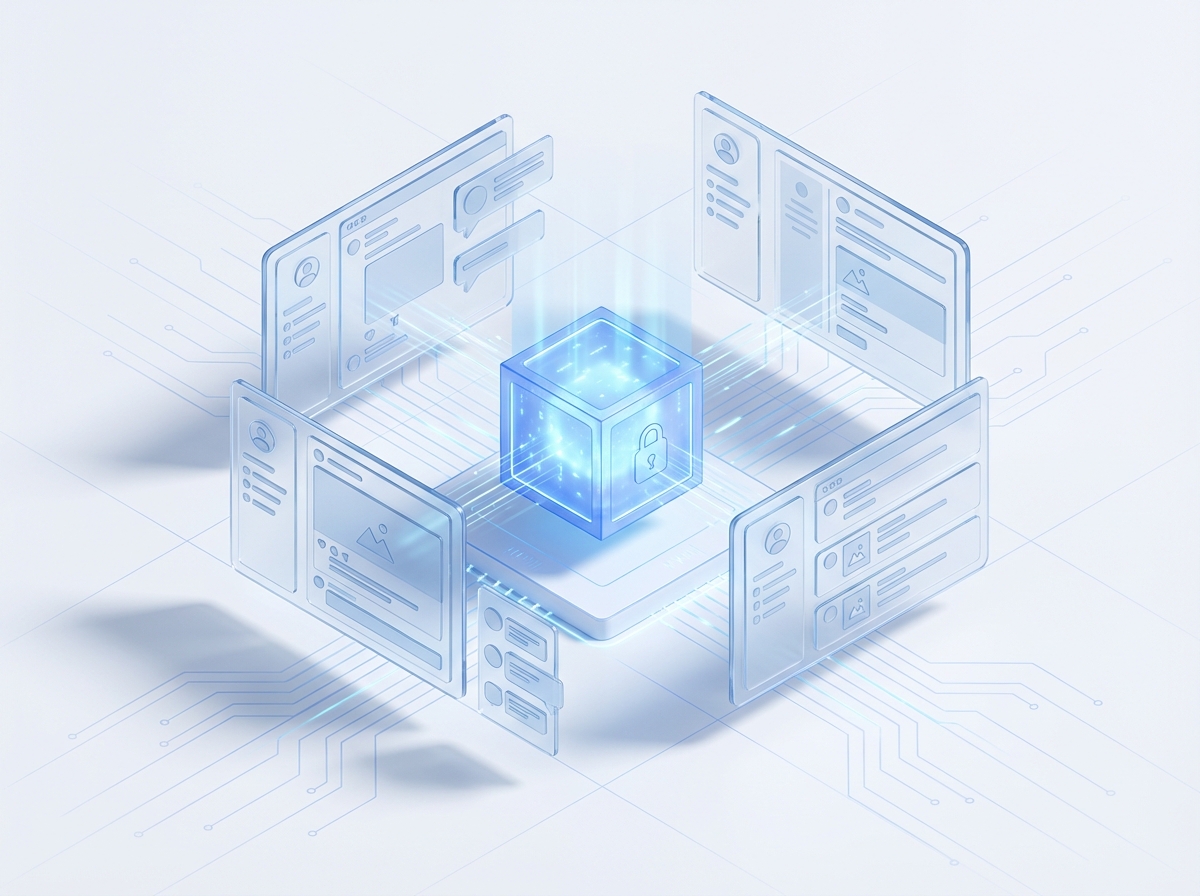
AT Protocol isn’t federation in the ActivityPub sense, and it isn’t a walled-garden platform either. It sits in between, and that middle ground is what makes it worth building against for AI integration.
Architectural Foundations
A few design choices set it apart from other social networking architectures:
- Repository-based data model: your data lives in a personal data repository (PDR) that you control, so you can move it between service providers without losing it
- Global state: relays aggregate the network into a globally consistent view, which sidesteps the sync problems that federated protocols run into
- Algorithmic marketplace: content hosting and content discovery are separate, so you choose your own feed algorithms and moderation policies
- Lexicon schema system: extensible schema definitions let the protocol add new record types without breaking backward compatibility or interoperability
For an AI client, that means you can read the social graph and public content freely, without fighting a platform that treats the data as its own.
Design Decisions
Zero-Configuration Public Access
The server works with no authentication at all. That was deliberate: a lot of what people want from AT Protocol is public data, and forcing an auth setup before you can read a single profile is friction nobody needs.
// Public data access requires no configuration
const profile = await mcpClient.callTool('get_user_profile', {
  identifier: 'user.bsky.social'
});

const posts = await mcpClient.callTool('search_posts', {
  query: 'artificial intelligence',
  limit: 20
});
An LLM client can start reading AT Protocol data right away, which keeps prototyping fast and cuts the integration work for the common cases.
Progressive Authentication Model
When you need to write posts or read private data, the server supports two auth methods: app passwords and OAuth.
// App password authentication for development
const authenticatedClient = new ATProtoMCPServer({
  identifier: 'user.bsky.social',
  password: 'app-specific-password'
});

// OAuth flow for production deployments
const oauthClient = await mcpClient.callTool('start_oauth_flow', {
  clientId: process.env.ATPROTO_CLIENT_ID,
  redirectUri: 'https://app.example.com/callback'
});
App passwords are easy for local development; OAuth is the right choice for anything you deploy.

Implementation Notes
Official SDK Integration
It’s built on the official @atproto/api SDK, so it stays compliant as the protocol changes and I don’t have to hand-roll the wire format:
import { BskyAgent } from '@atproto/api';

export class ATProtoMCPServer {
  private agent: BskyAgent;

  constructor(config: ServerConfig) {
    this.agent = new BskyAgent({
      service: config.service || 'https://bsky.social'
    });
  }

  async searchPosts(params: SearchParams): Promise<SearchResults> {
    const response = await this.agent.app.bsky.feed.searchPosts({
      q: params.query,
      limit: params.limit,
      cursor: params.cursor
    });

    return this.transformSearchResults(response.data);
  }
}
The SDK tracks the spec, and the MCP layer keeps the protocol details behind a small set of tools.
Tool Coverage
The tools cover most of what the protocol can do:
Social Operations: Post creation with rich text formatting, threading, reactions (likes, reposts), and social graph management (follows, blocks, mutes)
Content Discovery: search, custom feed access, timeline retrieval, and thread navigation
Media Handling: Image and video upload with automatic optimization, link preview generation, and rich embed support
Real-time Streaming: WebSocket-based event streams for live notifications, timeline updates, and social graph changes
Moderation Tools: Content and user reporting, muting, blocking, and list management for community curation
Performance
A few things matter once this is running under real load:
Connection pooling: persistent connections to AT Protocol services cut the per-request latency and hold up better under high volume.
Caching: a layered cache, keyed by record type, that follows AT Protocol’s cache semantics and skips redundant network requests:
interface CacheStrategy {
  profileCache: LRUCache<string, Profile>;
  postCache: LRUCache<string, Post>;
  feedCache: LRUCache<string, FeedView>;
  ttl: number;
}
Rate limiting: backs off and retries when the service returns a rate-limit error, so you stay under AT Protocol’s limits without leaving throughput on the table:
class RateLimiter {
  async executeWithBackoff<T>(
    operation: () => Promise<T>
  ): Promise<T> {
    try {
      return await operation();
    } catch (error) {
      if (this.isRateLimitError(error)) {
        await this.exponentialBackoff();
        return this.executeWithBackoff(operation);
      }
      throw error;
    }
  }
}
Production Deployment Architecture
Infrastructure
The repo ships with what you need to run this in production:
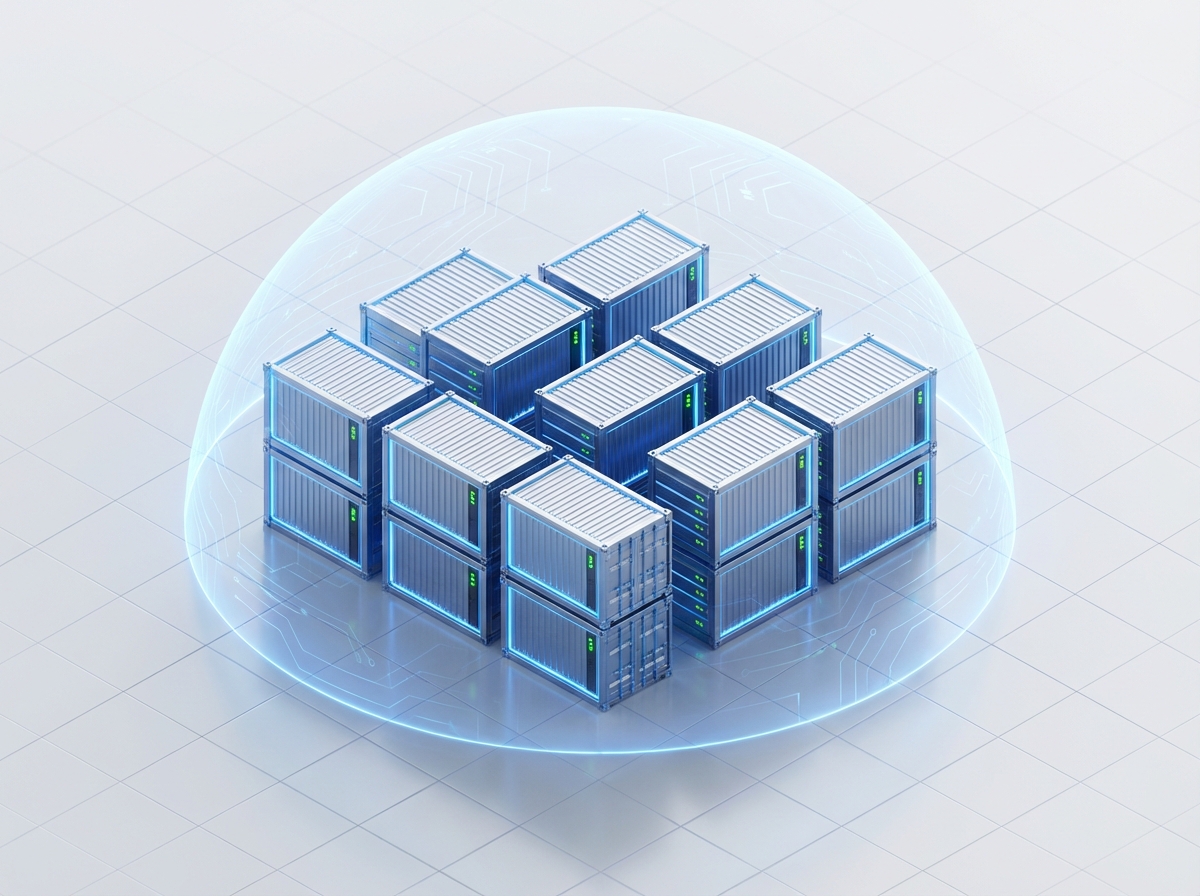
Docker: multi-stage builds that run as a non-root user, which keeps the image small and the attack surface minimal.
Kubernetes: Helm charts and deployment manifests for running it on a cluster.
Observability: Prometheus metrics, structured logging, and health-check endpoints.
Security: input validation, credential sanitization, CORS configuration, and secret management.
Deployment Configuration
# docker-compose.yml
version: '3.8'
services:
  atproto-mcp:
    image: atproto-mcp:latest
    environment:
      - NODE_ENV=production
      - LOG_LEVEL=info
      - ATPROTO_IDENTIFIER=${ATPROTO_IDENTIFIER}
      - ATPROTO_PASSWORD=${ATPROTO_PASSWORD}
    ports:
      - "3000:3000"
    healthcheck:
      test: ["CMD", "curl", "-f", "http://localhost:3000/health"]
      interval: 30s
      timeout: 10s
      retries: 3
What You Can Build With It
Social Media Analytics and Research
Because AT Protocol data is open, you can run analysis that would be locked away on a closed platform:
// Analyze engagement patterns across custom feeds
const feeds = await mcpClient.callTool('get_custom_feed', {
  feed: 'at://did:plc:example/app.bsky.feed.generator/tech-news'
});

// Track topic evolution and community dynamics
const searchResults = await mcpClient.callTool('search_posts', {
  query: 'machine learning',
  since: '2025-01-01'
});
Content Automation and Management
The write tools cover posting, so you can build content creation and curation workflows on top of them:
// Create rich text posts with mentions and links
await mcpClient.callTool('create_rich_text_post', {
  text: 'Exploring @user.bsky.social insights on AI: https://example.com',
  facets: [
    { type: 'mention', value: 'user.bsky.social' },
    { type: 'link', value: 'https://example.com' }
  ]
});
Community Management and Moderation
The moderation and list tools let you build AI-assisted community management, from muting and blocking to curating lists.
What’s Next
A few things I’d like to add as the AT Protocol ecosystem grows:
Graph analysis: tools for mapping community structure and how information moves across the AT Protocol network.
Automation: content scheduling, engagement automation, and AI-driven curation workflows.
Cross-protocol bridges: connectors to other decentralized protocols, so you can manage accounts across platforms from one place.
Lexicon support: picking up new AT Protocol lexicons and record types automatically as the spec adds them.
Wrapping Up
That’s the AT Protocol MCP Server: public reads with no setup, authenticated writes when you need them, and enough deployment tooling to run it for real. If you’re building AI tools that touch Bluesky or anything else on AT Protocol, it should save you from wiring up the protocol yourself.
The thing I like about decentralized social is that the data is yours to work with. This is my attempt to make that data reachable from an LLM.
Resources:
Keep Reading
Companion projectAT Protocol MCP Server
Lets AI assistants read and write to Bluesky over the AT Protocol: zero-config public reads, OAuth-scoped writes, and full social graph access.
View this project →ActivityPub MCP Server: Bridging AI and the Fediverse
How I taught Claude to explore the Fediverse: an MCP server that discovers actors, fetches timelines, and queries Mastodon-compatible instances.
Building Clarissa: Learning How AI Agents Actually Work
I built a terminal AI agent from scratch to see how they really work: the ReAct loop, safe tool execution, and what context management actually takes.
No Way to Say No
The small web spent a year with no way to tell my MCP server no. The criticism of gopher-mcp was mostly right, and this is what shipped because of it.
Subscribe
Was this helpful?
Discuss
Ask can help explain concepts, provide context, or point you to related content.